Introduction
When it comes to note-taking on Windows, two of the most commonly used apps are Notepad and Microsoft OneNote. At first glance, both might look like they do the same job – helping you write notes. But in reality, they are designed for completely different purposes.
Thank you for reading this post, don't forget to subscribe!This article will explain the key differences between OneNote and Notepad, their features, advantages, and when to use each one.
What is Notepad?
Notepad is one of the oldest applications in Windows. It is a plain text editor that allows users to create and edit text files without formatting.
- Introduced in Windows since 1983.
- Saves files in .txt format (and some coding formats like .html, .bat).
- Lightweight and simple, with no distractions.
- Mostly used for basic notes, coding, and editing system files.
👉 Best for: Quick notes, coding, scripts, and editing plain text.
What is Microsoft OneNote?
Microsoft OneNote is a digital notebook developed by Microsoft. It is designed for detailed note-taking, organization, and collaboration.
- Part of Microsoft Office but also available for free.
- Supports text, images, audio, drawings, and web clippings.
- Organizes notes into notebooks, sections, and pages.
- Syncs across all devices using a Microsoft account.
👉 Best for: Students, professionals, and teams who want to organize notes systematically.
Key Differences Between OneNote and Notepad
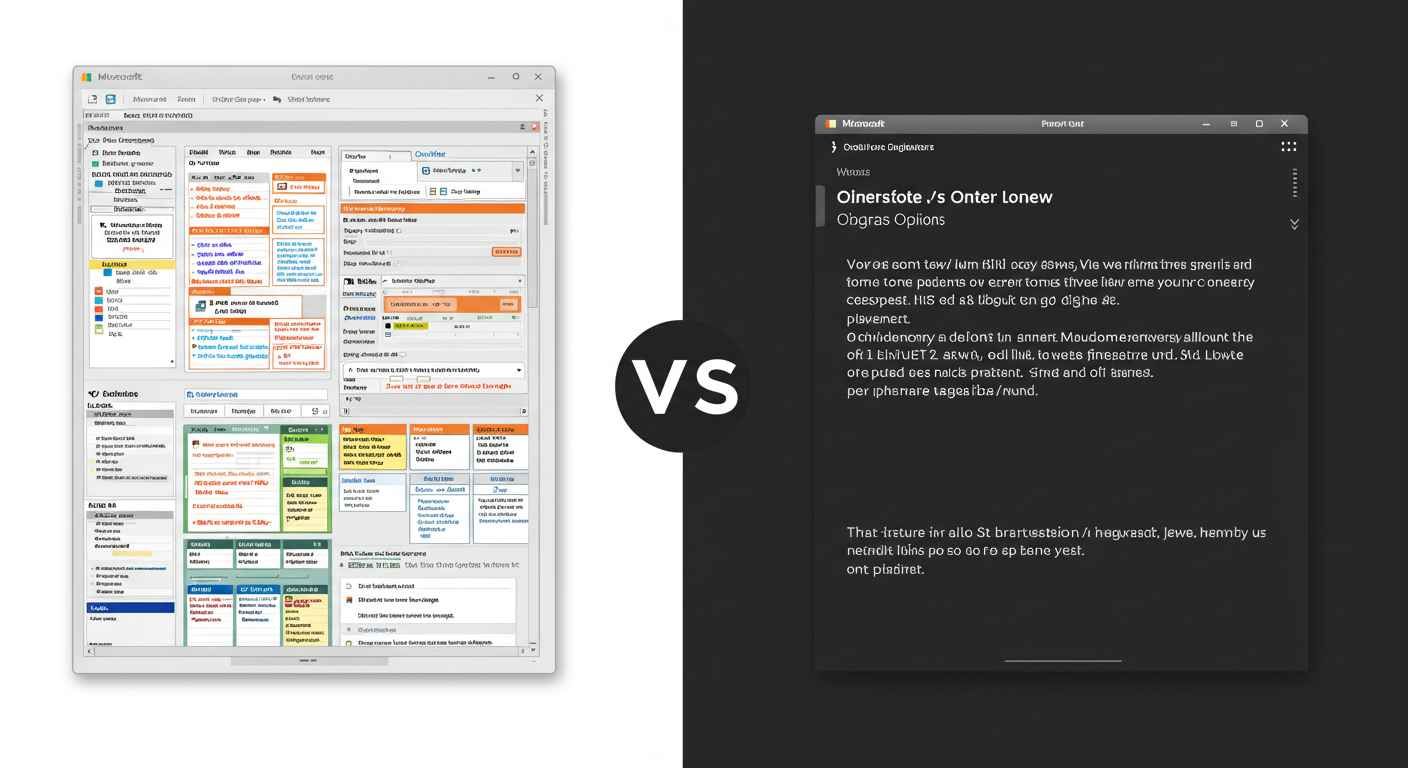
| Feature | Notepad | OneNote |
|---|---|---|
| Purpose | Simple text editing | Advanced note-taking & organization |
| Formatting | No formatting, only plain text | Supports rich text, images, audio, and drawings |
| Organization | Single file at a time | Notebooks, sections, and pages for structured notes |
| Collaboration | No sharing or collaboration | Real-time collaboration with others |
| Platforms | Windows only | Windows, Mac, Android, iOS, Web |
| Sync | No sync (manual save only) | Cloud sync with Microsoft account |
| Complexity | Very simple | Feature-rich and advanced |
| Best For | Coding, scripts, quick notes | Study notes, projects, detailed documents |
When to Use Notepad
Notepad is not outdated; it still has several uses:
- Writing quick notes without distraction.
- Learning basic coding (HTML, CSS, batch scripts).
- Editing system files like hosts.txt.
- Removing formatting from copied text.
- Creating simple to-do lists.
👉 If you want speed and simplicity, Notepad is the best option.
When to Use OneNote
OneNote is designed for more advanced use cases:
- Students: For writing class notes, attaching images, and recording lectures.
- Professionals: For managing projects, meeting notes, and reports.
- Teams: For real-time collaboration and shared notebooks.
- Writers: For drafting articles, research notes, and organizing ideas.
- General users: For syncing notes across all devices.
👉 If you want organization, formatting, and collaboration, OneNote is the right tool.
Advantages of Notepad
- Free and built-in with Windows.
- Extremely lightweight and fast.
- No internet required.
- Works perfectly for plain text editing and small files.
Advantages of OneNote
- Organizes notes systematically in a digital notebook.
- Supports multimedia (images, audio, drawings).
- Syncs across multiple devices.
- Allows teamwork and collaboration.
- Works with other Microsoft apps like Word, Excel, and Outlook.
Which One Should You Choose?
The choice depends on your needs:
- Use Notepad if you want:
- Lightweight and distraction-free writing.
- Quick editing of text or code.
- A simple, offline tool.
- Use OneNote if you want:
- A powerful digital notebook.
- Rich formatting, multimedia, and organization.
- Sync across devices and team collaboration.
👉 In short: Notepad = simplicity, OneNote = productivity.
Conclusion
Both Notepad and OneNote are useful in their own ways. Notepad is a plain text editor for simple tasks and coding, while OneNote is a complete digital notebook for advanced note-taking and collaboration.
If you only need to type or edit plain text, go with Notepad. But if you want to organize detailed notes, add images, and sync across devices, OneNote is the better choice.