Introduction
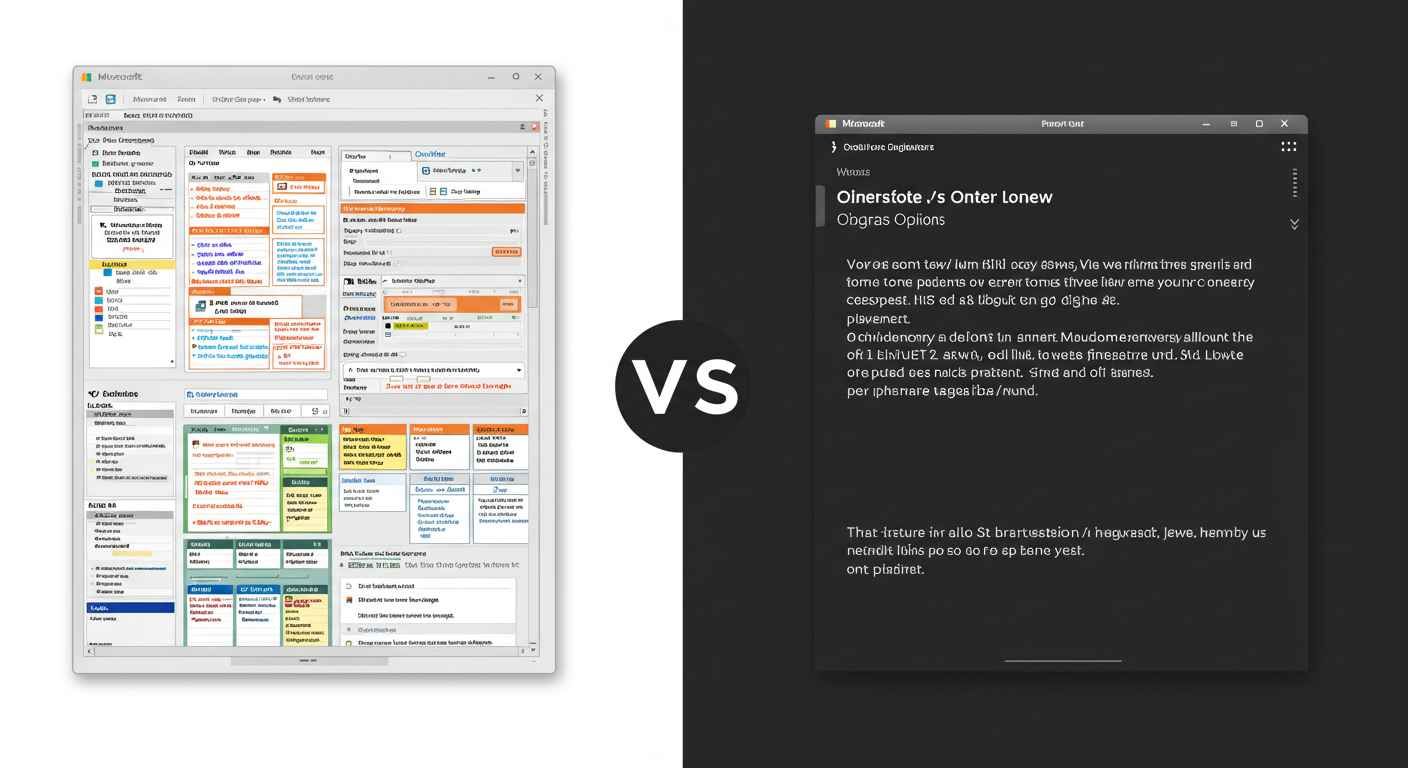
In today’s digital world, taking notes has become an essential part of our daily routine. Whether you are a student, a professional, or someone who just likes to stay organized, you need a reliable note-taking tool. Two of the most popular options are Notepad (built-in with Windows) and Google Keep (a free online note-taking app by Google).
Thank you for reading this post, don't forget to subscribe!Both tools are designed for note-taking, but they work in completely different ways. In this article, we will explore the features, advantages, and limitations of Notepad vs Google Keep to help you decide which one is better for your needs.
What is Notepad?
Notepad is a simple text editor that comes pre-installed on all Windows computers. It has been around since 1983 and is known for its lightweight and distraction-free design.
Key Highlights of Notepad:
- Works offline, no internet needed.
- Supports only plain text (.txt) files.
- Extremely fast and easy to use.
- Can be used for coding, editing system files, and writing scripts.
- Very reliable because it has no advanced features to slow it down.
What is Google Keep?
Google Keep is a cloud-based note-taking app by Google. It allows you to write, organize, and sync your notes across devices. Unlike Notepad, it is not just plain text—it offers rich features for better organization.
Key Highlights of Google Keep:
- Works online and syncs with Google account.
- Available on Android, iOS, and web.
- Supports text, checklists, images, and voice notes.
- Allows sharing and collaboration.
- Notes can be color-coded and organized with labels.
Feature Comparison: Google Keep vs Notepad
| Feature | Notepad | Google Keep |
|---|---|---|
| Platform | Windows (built-in) | Web, Android, iOS |
| Offline Use | Yes, fully offline | Limited (mobile app offline, syncs when online) |
| Text Format | Plain text only | Rich notes (text, images, voice, checklists) |
| Organization | No folders/tags | Labels, colors, and search |
| Collaboration | Not available | Share & edit with others in real-time |
| Sync Across Devices | No | Yes, via Google account |
| Best Use Case | Quick notes, coding, scripts | Daily tasks, reminders, collaborative notes |
Advantages of Using Notepad
- Lightweight and Fast – Runs instantly without lag.
- No Internet Required – Works anytime, anywhere offline.
- Perfect for Coding & Scripts – Developers can write HTML, CSS, or batch files.
- Simple and Focused – No distractions like images or notifications.
- Reliable – No risk of account issues or syncing errors.
Advantages of Using Google Keep
- Cloud Storage – Notes are automatically saved in your Google account.
- Access Anywhere – Works on any device with internet.
- Collaboration – Share notes with friends, family, or colleagues.
- Organization Tools – Labels, colors, reminders, and search make it easy to manage notes.
- Multimedia Notes – Add images, voice recordings, and checklists.
Limitations of Notepad
- No formatting options (bold, italic, colors).
- Cannot insert images, audio, or reminders.
- No syncing across devices.
- Limited for advanced users who want rich features.
Limitations of Google Keep
- Requires Google account and internet (for full use).
- Not suitable for coding or technical scripts.
- Limited export options (cannot directly save as .txt or .doc).
- Interface can be overwhelming for users who prefer simplicity.
Which One Should You Use?
👉 Choose Notepad if:
- You want a lightweight, offline, distraction-free tool.
- You write code, scripts, or system files.
- You only need simple text notes without extra features.
👉 Choose Google Keep if:
- You want sync across devices.
- You like using images, checklists, or voice notes.
- You need to collaborate and share notes.
- You want to stay organized with labels, colors, and reminders.
Final Verdict
Both Notepad and Google Keep are excellent note-taking tools, but they serve different purposes.
- Notepad is best for those who prefer simplicity, speed, and offline use—especially programmers and people who deal with plain text.
- Google Keep is best for students, professionals, and daily users who want cloud syncing, multimedia notes, and collaboration.
In short, if you want basic and offline, go with Notepad. If you want smart and online, choose Google Keep.